
August 12
2014


August 8
2014
Friday Phrases


August 6
2014
Stenspiration™


August 5
2014
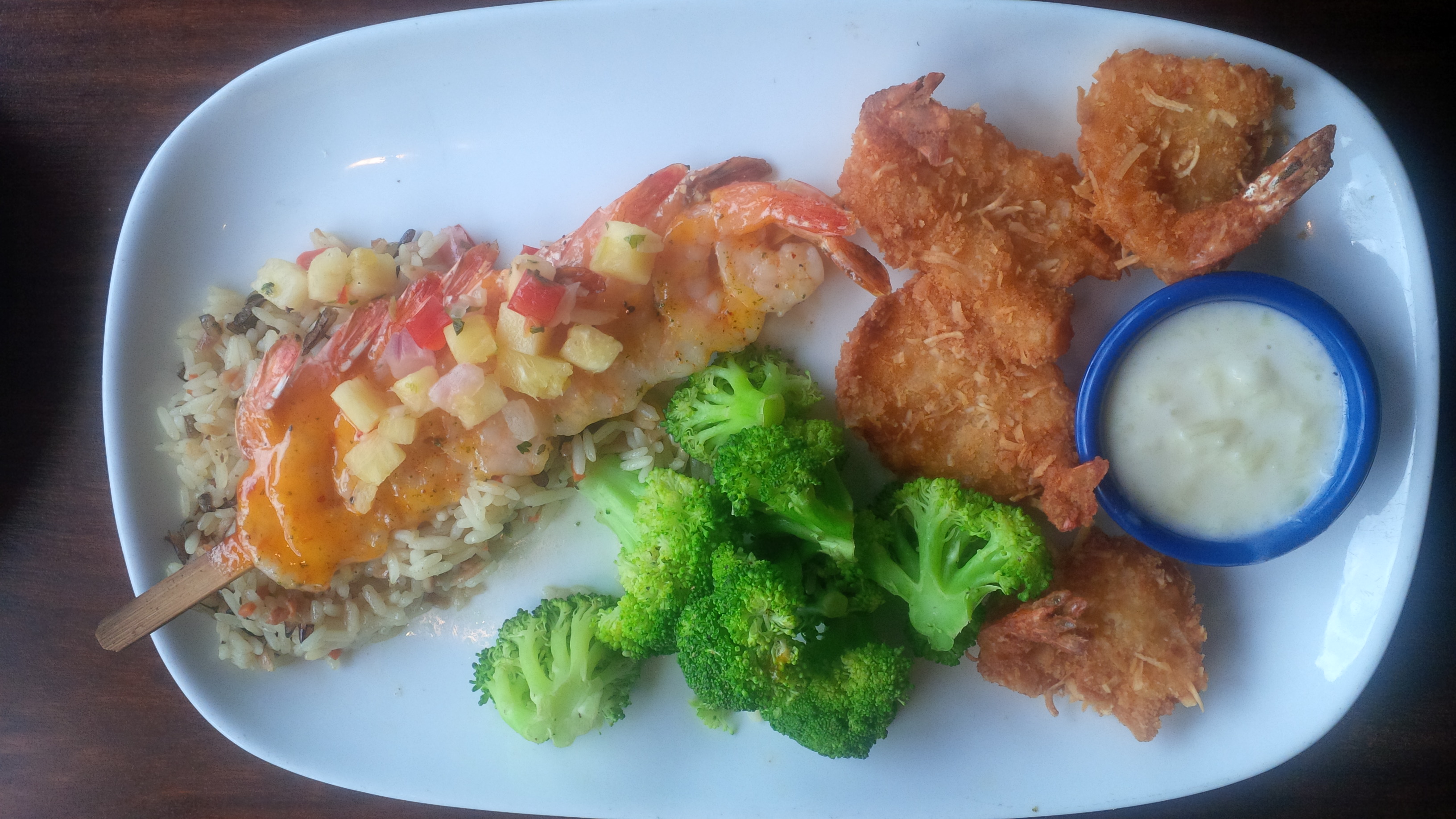
Steno Foodie: Coconut Shrimp

August 5
2014
Legal Vocabulary: Jurisprudence


August 4
2014
Case CATalyst: How To Create A Customized Reminder
Case CATalyst offers a feature that allows the user to create a customized reminder that will appear before the user logs off.
PRODUCTIVITY BOOSTERS- MANAGE JOBS
-With Case CATalyst, you can create a customized reminder that will display every time Case CATalyst is closed.
How To Create A Customized Reminder: (1) In the Manage Jobs screen, click on Tools in the Menu Bar. (2) Click Options. (3) Click Manage Custom Reminders. (4) In the Custom Reminder Messages Dialog Box, click to check the option Show ‘Closing Edit’ Message. (5) In the Reminder space, write the title of the reminder you want to create. (6) In the Reminder Desc box, write what you want the reminder to be word-for-word. (7) You can click on the Test button to see a preview of the reminder. Click on Thanks For The Reminder to close the preview box. (8) Click Okay to save the reminder.







August 4
2014
Medical Monday: Amygdala
 The amygdala is “a structure in the limbic system that is linked to emotions and aggression. The amygdala functions to control fear responses, the secretion of hormones, arousal and the formation of emotional memories.
The amygdala is a small, almond shaped mass of nuclei located in the temporal lobes of the brain near the hippocampus.” (Source: About.com)
Machine Briefs:
Option #1: amygdala= A/MIG/DA/LA
Option #2: amygdala= A/MIG/DA/LA*
Option #3: amygdala= A/MIG/DLA

August 1
2014
Case CATalyst: How To Look Up A Definition Quickly In Case CAT
Word Definitions- A feature that allows you to look up the definition of a word in a transcript immediately.
How To Use Word Definitions: (1) Right-click on the word you want to look up. (2) Click on the Word Definition icon. A window will open up with the Merriam-Webster definition of the word, as well of the function of the word and the word pronunciation.
August 1
2014
Random Briefs

August 1
2014
